View case history
The case history includes changes to the case name and a record of items that were added or removed.
- In the Case panel, click See case history.
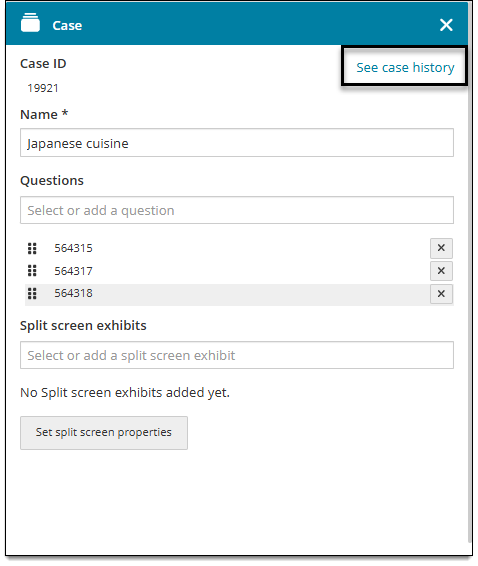
- The Case panel expands to show the history, sorted by revision. Click each revision to see the case name, questions, and exhibits for that revision.
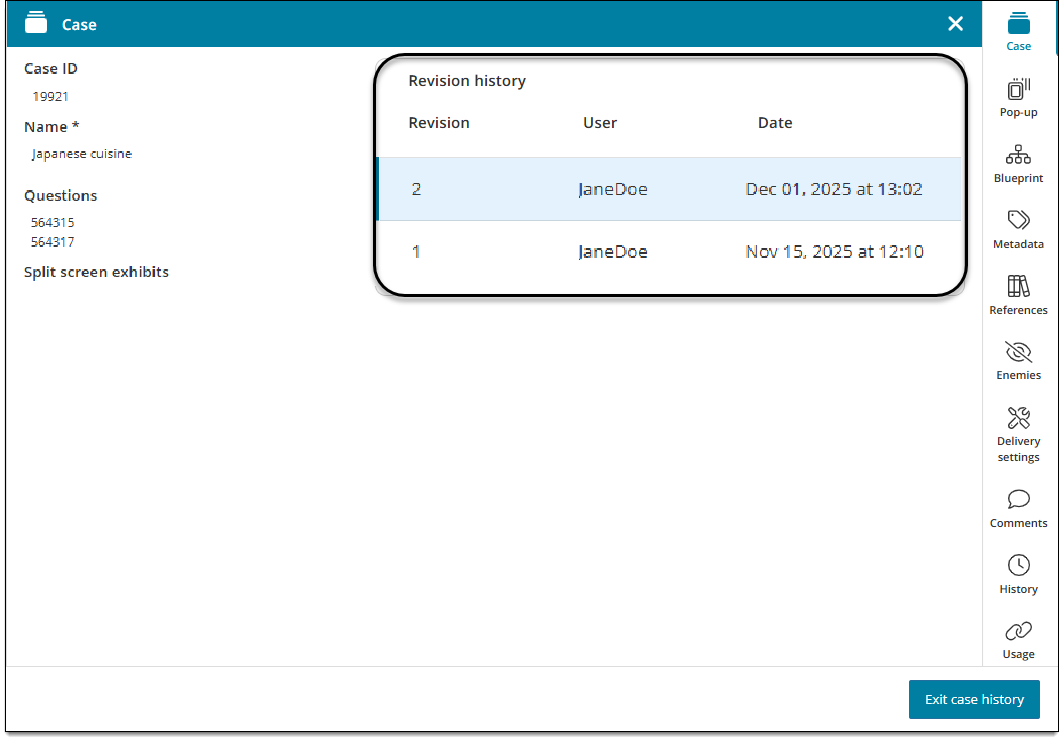
- If an item was deleted from the case, the message "[item ID] does not belong to the project" will be shown for the revision in which it was deleted. Since the item was deleted, its content cannot be shown in the history; only a reference that the item existed for that revision is shown.
- To return to the current revision of the case and close the history, click Exit case history in the lower-right corner of the page.